from our Buying Bitcoin Series
How to Buy Your First Bitcoin: A Step-by-Step Guide Using Coinbase
Coinbase is one of the best platforms to start with.
In this guide, we’ll walk you through exactly how to buy Bitcoin using Coinbase in 2025 — from account setup to your first BTC purchase.
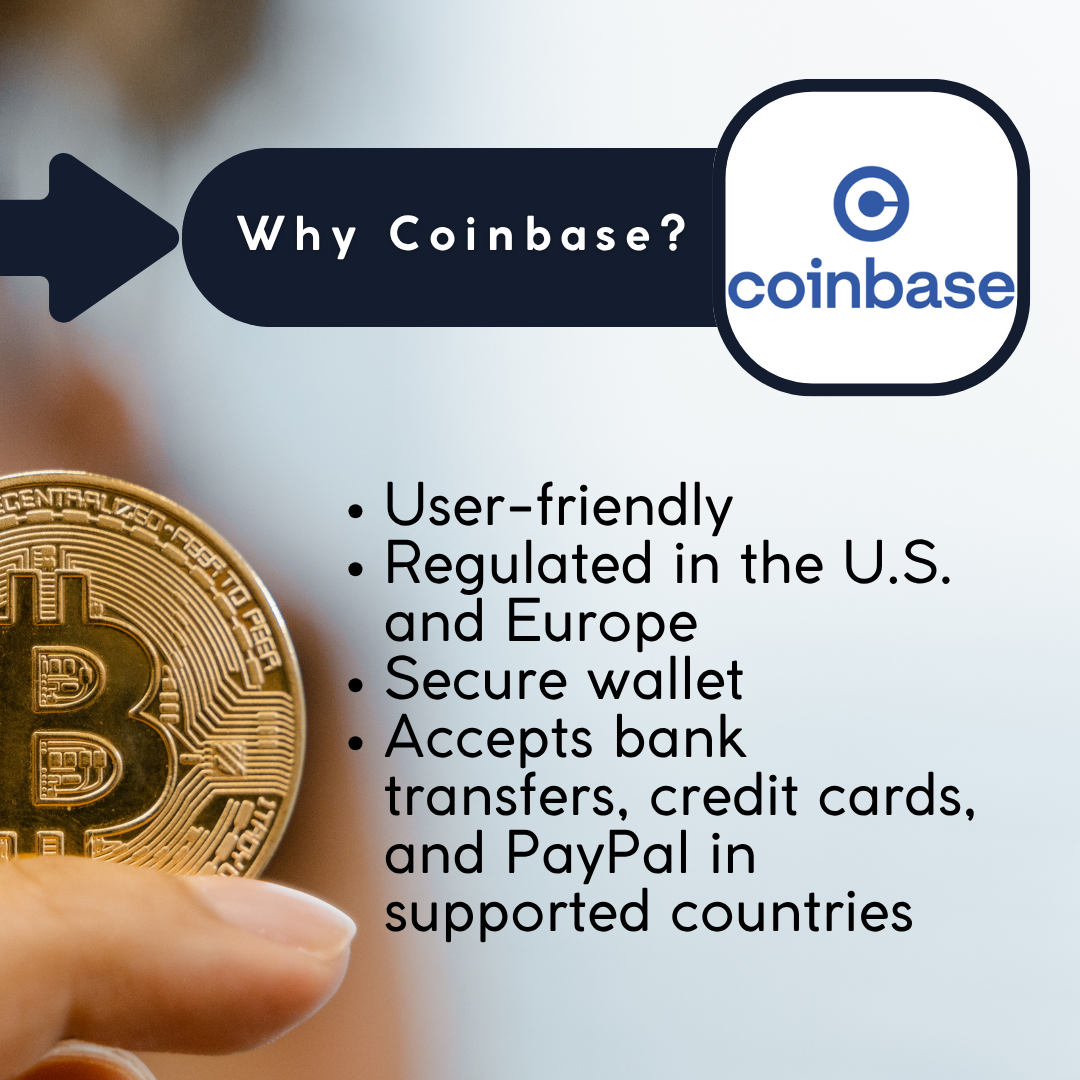
Why Coinbase?
✅ It’s beginner-friendly, secure, and trusted by millions around the world.
Step 1
Create a Coinbase Account.
- Go to Coinbase or download the mobile app (iOS/Android).
- Click Get Started.
- Fill in your name, email address, and password.
- Agree to the terms and verify your email.
- Complete identity verification (KYC) — upload a photo ID and a selfie as required.
💡 Security Tip: Turn on two-factor authentication (2FA) immediately after signing up.
Step 2
Add a Payment Method.
Once verified, go to Settings > Payment Methods and choose how you want to pay:
- Bank transfer (ACH/SEPA)
- Debit/credit card
- PayPal (available in select countries)
💡 Pro Tip: Bank transfers often have lower fees, but cards are faster.
Step 3
Buy Your First Bitcoin.
- Click Buy/Sell from the dashboard.
- Select Bitcoin (BTC) as the asset.
- Enter the amount of fiat you want to spend (e.g. $50).
- Choose your payment method.
- Click Preview Buy and review the transaction (including the fee).
- Click Buy Now.
✅ That’s it — you now own Bitcoin!
Step 4
Store Your Bitcoin Safely.
Your BTC will automatically be stored in your Coinbase wallet.
If you’re planning to hold it long-term, you may want to move it to:
- A self-custody wallet like Coinbase Wallet
- A hardware wallet (Ledger, Trezor) for extra security
💡 Security Tip: NEVER share your wallet’s recovery phrase with anyone.
Step 5
Learn and Explore!
Coinbase also offers:
- Coinbase Learn: Educational modules (some pay in crypto!)
- Recurring buys: Set up automatic Bitcoin purchases
- Portfolio tracking: Monitor all your holdings in one place
💡 Good-to-Know: Buying Bitcoin on Coinbase is one of the simplest ways to get started with crypto. With its clean interface, strong security, and global reach, it’s an excellent first step for new investors in 2025!
Ready to Try Coinbase?
Use our referral link here to sign up and get a bonus when you make your first purchase!
💬 Liked this article? Drop a comment below!
🔥Trending Blogs:


Leave a Reply